Tired Eyes by Evening
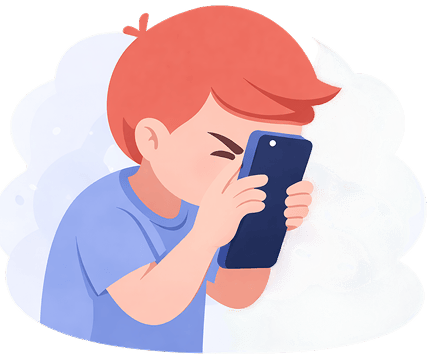
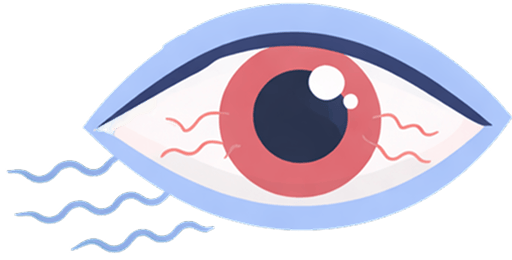
The closer the screen, the harder your eyes work to focus. After a long day that shows up as tired, dry eyes and headaches.
iVisionGuard reminds you when your phone gets too close to your eyes, until holding it at the right distance becomes a habit. Separate profiles for you and your child on one phone.
Free · No ads · No account
Screen time apps count hours. Your eyes also feel how close the screen is.
The closer the screen, the harder your eyes work to focus. After a long day that shows up as tired, dry eyes and headaches.
Children bring a phone or tablet close to their face without noticing. Reminding them twenty times a day rarely sticks.
Android's built-in tools track how long a phone is used. None of them track how close it is held.
A redesigned app with profiles for adults and children, habit statistics and reminders in your own voice.
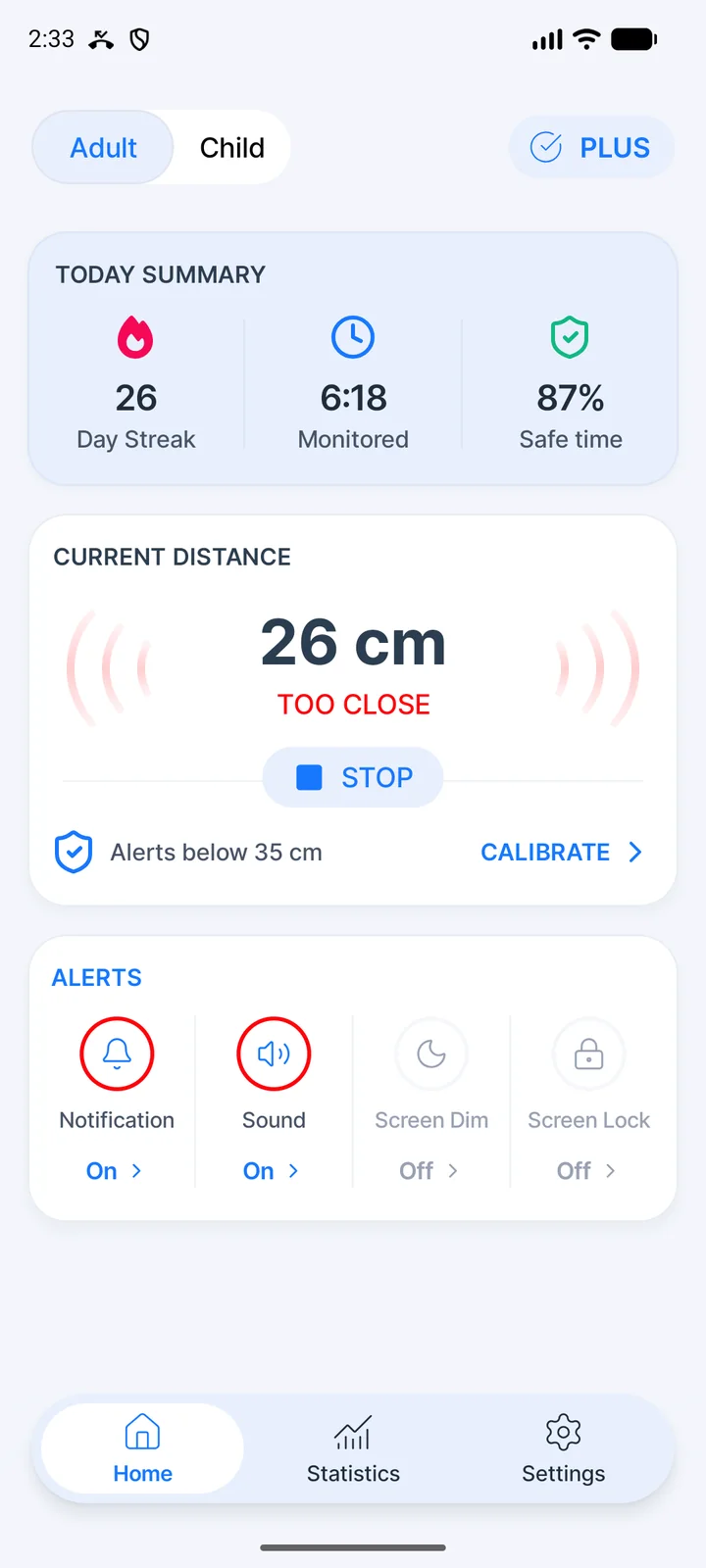
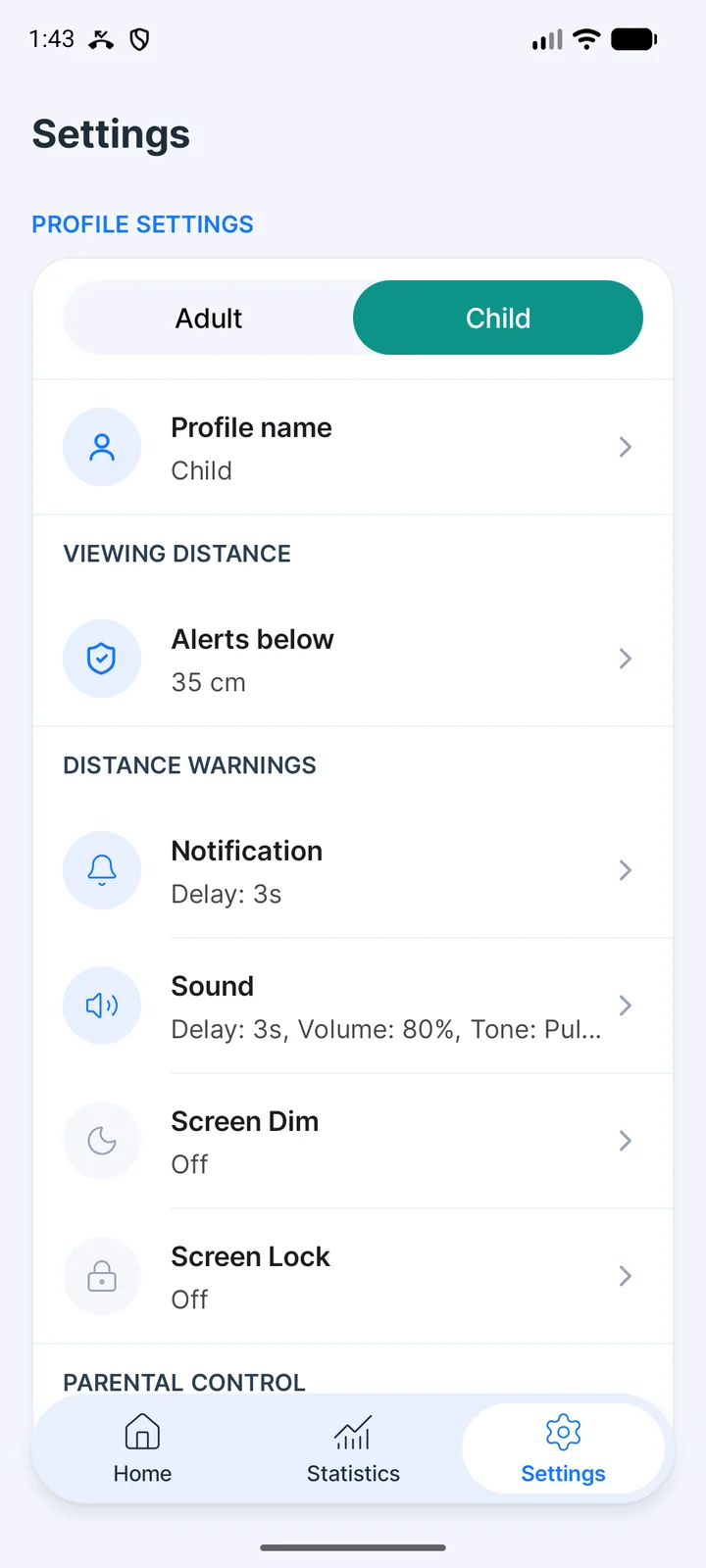
Each profile keeps its own safe distance, alerts and voice recording. Switch between them with one tap at the top of the home screen, and give them names.
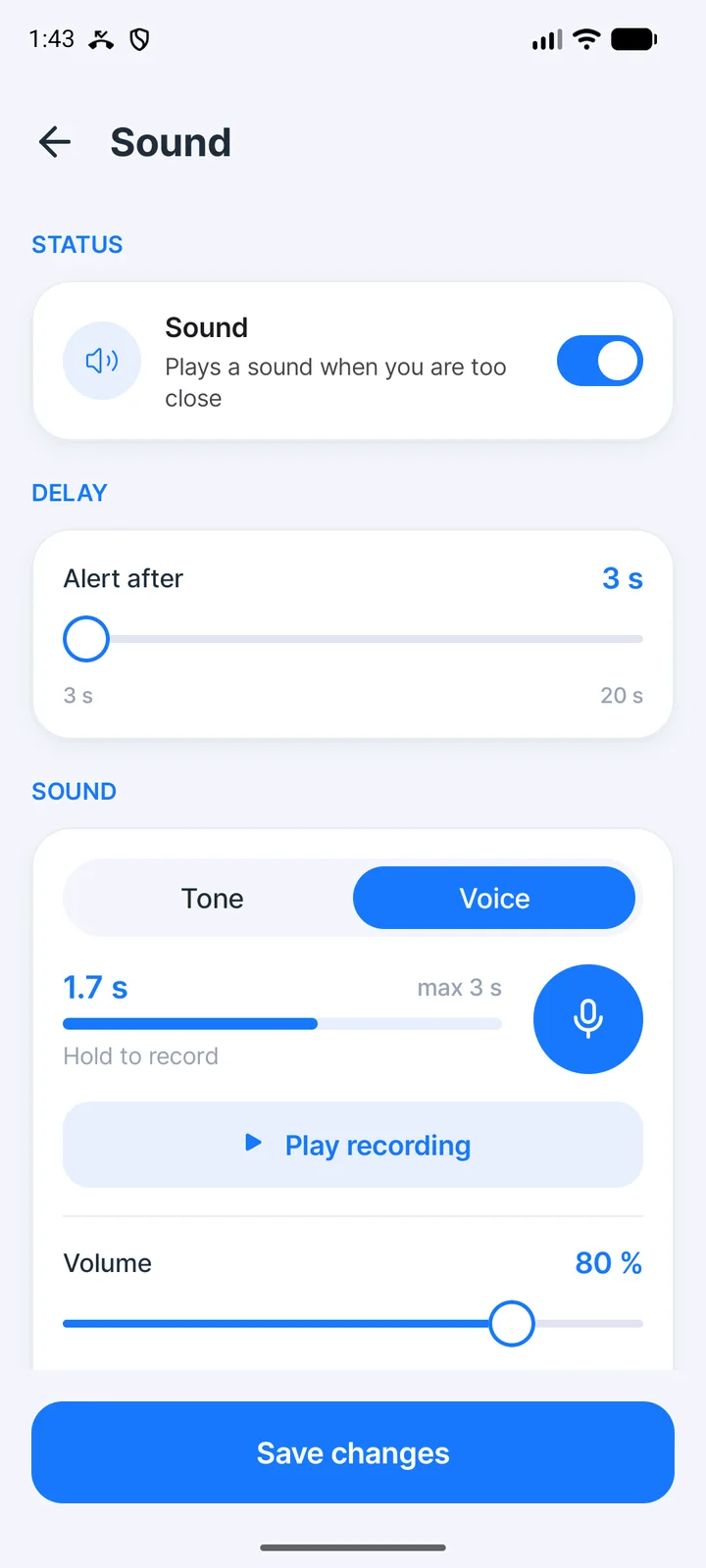
Record a message of up to 3 seconds, like “Hold the phone a bit further away, please.” The phone plays it whenever the screen gets too close. Prefer a signal? Pick one of 7 tones.
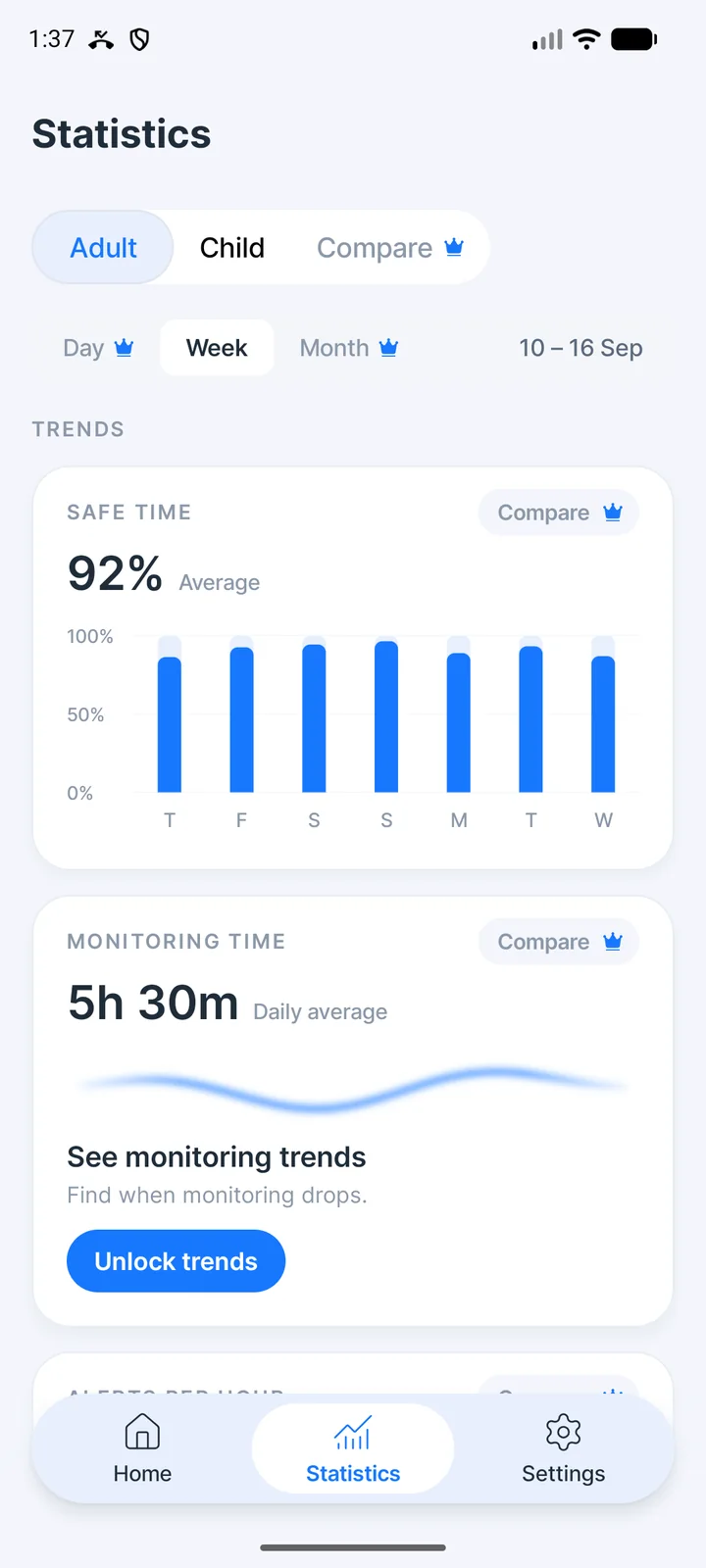
Safe Time shows how much of the day the phone stayed at a good distance. A day streak and a history calendar show progress, and every 30 days in a row earn a freeze that saves a missed day.
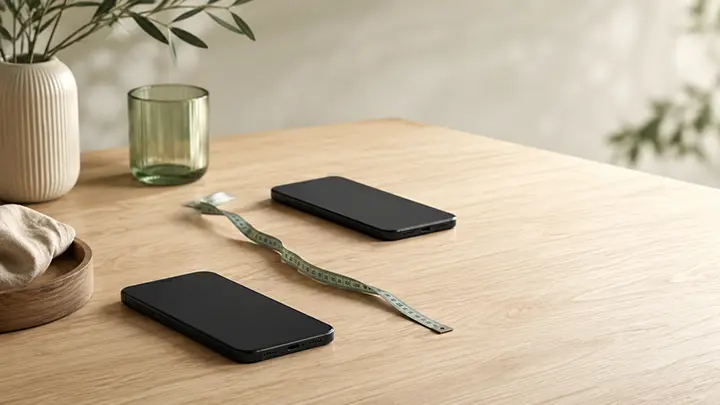
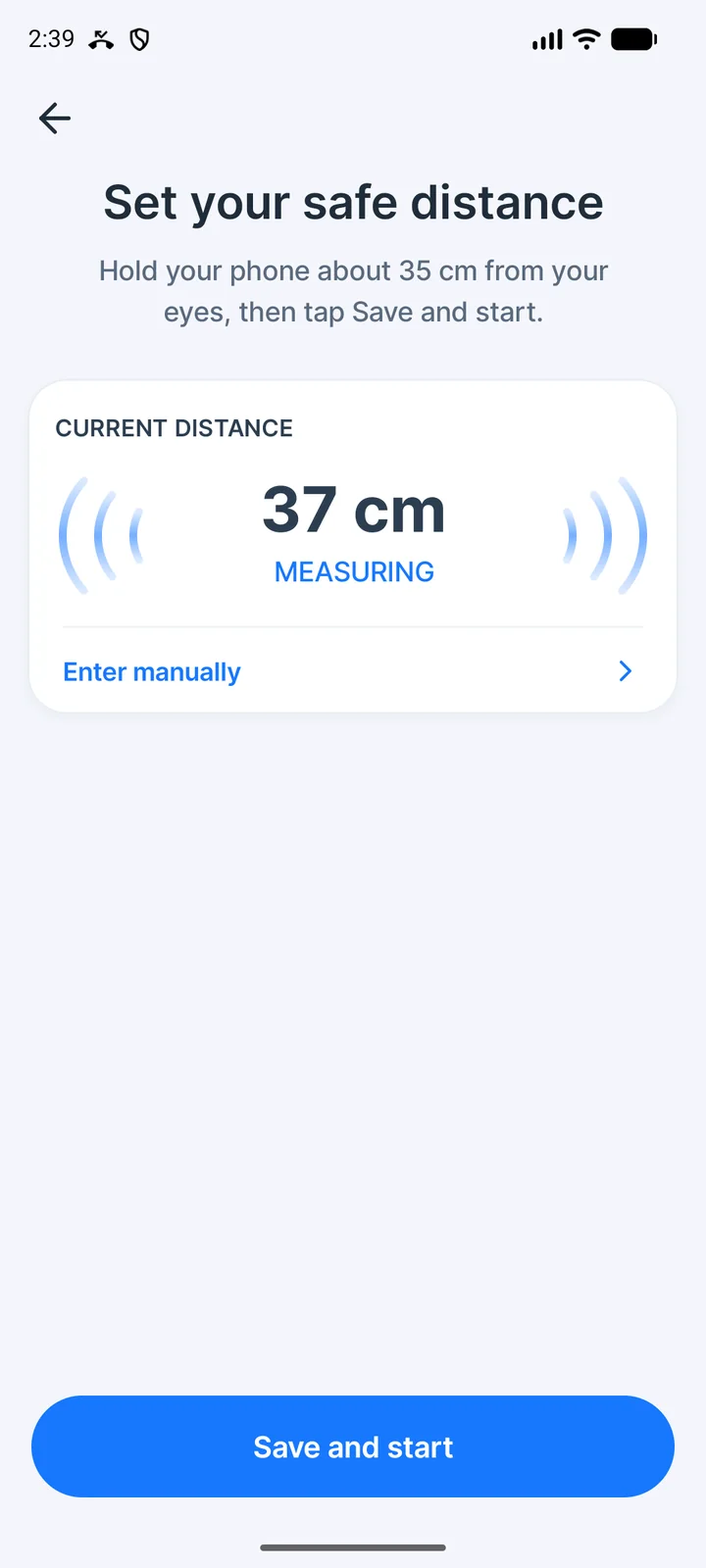
Hold the phone the way that feels right and the app measures the distance. Anything from 20 to 80 cm works; the default is 35 cm.
Set it up once. The phone does the reminding.
On first launch, hold the phone comfortably and the app measures your distance. The default is 35 cm.
Notification, sound, your own voice or a dimmed screen, each with its own delay from 3 to 20 seconds.
iVisionGuard works in the background over any app while the screen is on.
A reminder comes only if the phone stays too close for the whole delay. Statistics show how the habit forms.
The free version covers everything you need to keep the phone at a safe distance.
The home screen shows the current distance in centimeters and a summary of your day.
Keeps measuring over any app while the screen is on. The notification always shows the status.
Notification with vibration, sound or your own voice, screen dimming, and a full-screen warning with Plus.
Each profile has its own distance, alerts, voice recording and statistics.
Safe Time chart, day streak, freezes and a calendar of protected days.
The camera wakes up for a check every 10 seconds and rests in between. Continuous mode stays available.
Pause for an hour with one tap. Monitoring also steps aside during calls and video calls.
Measures in portrait and landscape, while you watch videos or play. Works on Android phones and tablets.
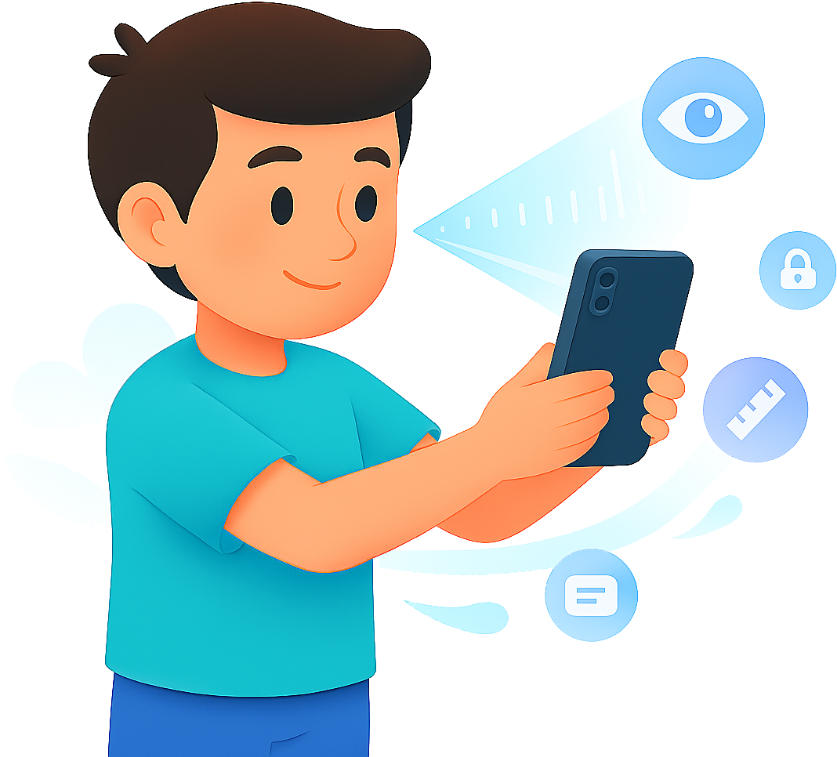
Children don't notice how close they hold a phone or tablet. iVisionGuard notices for them and reminds them in your voice, so you don't have to repeat “move it back” all day. Give your child their own profile with a distance that suits them and watch the habit form in statistics. With Plus, a parent PIN or fingerprint keeps the settings locked.
The same install works for you too: switch to the adult profile in one tap.
Distance is measured on your phone. Camera frames are never saved.
What the app collects and why: Privacy Policy
The free version protects in full. Plus adds a parent lock, a full-screen warning and deeper statistics.
| Feature | Free | Plus |
|---|---|---|
| Distance monitoring in the background | ✓ | ✓ |
| Adult and child profiles | ✓ | ✓ |
| Your own safe distance, 20–80 cm | ✓ | ✓ |
| Notification, sound, your own voice, screen dimming | ✓ | ✓ |
| Safe Time chart, day streak and freezes | ✓ | ✓ |
| Battery saver mode, portrait and landscape | ✓ | ✓ |
| What Plus adds | ||
| Calibration | Once every 7 days | Unlimited |
| Statistics periods | Last 7 days | Day, week, month, any range |
| History calendar | Week | Month |
| Monitoring time and alerts-per-hour charts | — | ✓ |
| Compare periods, and adult vs child | — | ✓ |
| Full-screen warning with your own photo | — | ✓ |
| Parent PIN, fingerprint and settings lock | — | ✓ |
Monthly or yearly subscription, or a one-time purchase. Bought inside the app through Google Play.
For anyone who spends hours a day looking at a phone, and for their kids.
The phone reminds your child in your voice, so you don't have to.
Their own profile and distance, and a habit that stays with them.
Hours of reading, scrolling and watching, at a comfortable distance.
For people who end the day with tired eyes after hours of screens.
Long study sessions on a phone or tablet, without bending over the screen.
The new design of iVisionGuard 2.0.
Free for Android phones and tablets. No ads, no account. Plus is optional.
Everything you need to know about iVisionGuard.
No. The front camera works as a distance sensor. Each frame is processed on your phone to estimate the distance and then discarded. Nothing is recorded, saved to the gallery or sent anywhere.
Not for measuring distance: the face-detection model is built into the app and works offline. The app uses the internet for purchases through Google Play and for diagnostic data that Google components inside the app collect. Details are in our Privacy Policy.
You choose. Continuous mode, the default, measures without breaks. Battery saver mode turns the camera on for a check every 10 seconds and uses about 5 times less power. While the phone is too close, it keeps measuring without pauses, so the reminder isn't late.
In battery saver mode Android shows the green camera dot every time the app takes a measurement, once every 10 seconds. That's expected: the camera turns on only for the check.
Each profile has its own safe distance, alerts, voice recording and statistics. Switch profiles at the top of the home screen. You can give each profile a name.
In the free version the settings are open. With Plus you can lock them with a parent PIN of 4 to 8 digits or a fingerprint: without it, monitoring can't be turned off or weakened.
Monitoring pauses during phone and messenger calls and resumes afterwards. If a video call or the camera app is using the camera, iVisionGuard waits and continues on its own. It doesn't need access to your calls for this.
No, iVisionGuard is Android only: iOS doesn't allow continuous front-camera access in the background. On iPhone and iPad, iOS 17 and later have a built-in Screen Distance feature in Settings → Screen Time → Screen Distance. iVisionGuard is for Android phones and tablets, including the ones your kids use.
Common guidance for phones is about 30–40 cm (12–16 inches) from the eyes. iVisionGuard starts at 35 cm. You can set anything from 20 to 80 cm, or calibrate the distance that feels right for you.
It detects your face in the front camera image and estimates the distance from the size of the face in the frame. Detection runs on your phone, and no images are saved.
No app can promise that, and iVisionGuard is not a medical device. Research links long periods of close-up screen use to myopia in children, and keeping screens further away is part of the usual advice. iVisionGuard helps build that habit. If you have concerns about your child's vision, see an eye doctor.
Research-backed guides for parents and smartphone users
If you’ve heard about Apple’s Screen Distance feature and gone looking for the same thing on your Android phone, you’ve…
Most adults hold their phone far closer than their eyes would prefer — and never notice, because the drift happens…
Your eyes ache after a long day on screens, so you search for eye exercises — and find routines promising…
Digital eye strain — tired, dry or sore eyes, blurred vision and headaches after screen use — is common among people who spend hours on their phones. Screen time is one factor; viewing distance is another. The closer the screen, the harder the eyes work to focus, and a phone drifts closer without us noticing. iVisionGuard makes that distance visible and reminds you when it drops below your threshold.
Research links long periods of close-up work, including reading on small screens, to myopia in children. Keeping screens further away is part of the usual advice, along with time outdoors and regular eye exams. Children rarely keep track of distance on their own. That is why iVisionGuard lets a parent set up a child profile, record a reminder in their own voice and follow the habit in statistics. The app is not a medical device and does not treat or prevent eye conditions.
A few habits help: hold the phone further away and increase the text size instead of bringing the screen closer, take short breaks and look into the distance (the 20-20-20 rule is an easy way to remember), and keep the room well lit. Distance is the habit that slips most often, because nobody notices it in the moment. iVisionGuard works in the background and reminds you right when it happens, until holding the phone at the right distance becomes automatic.